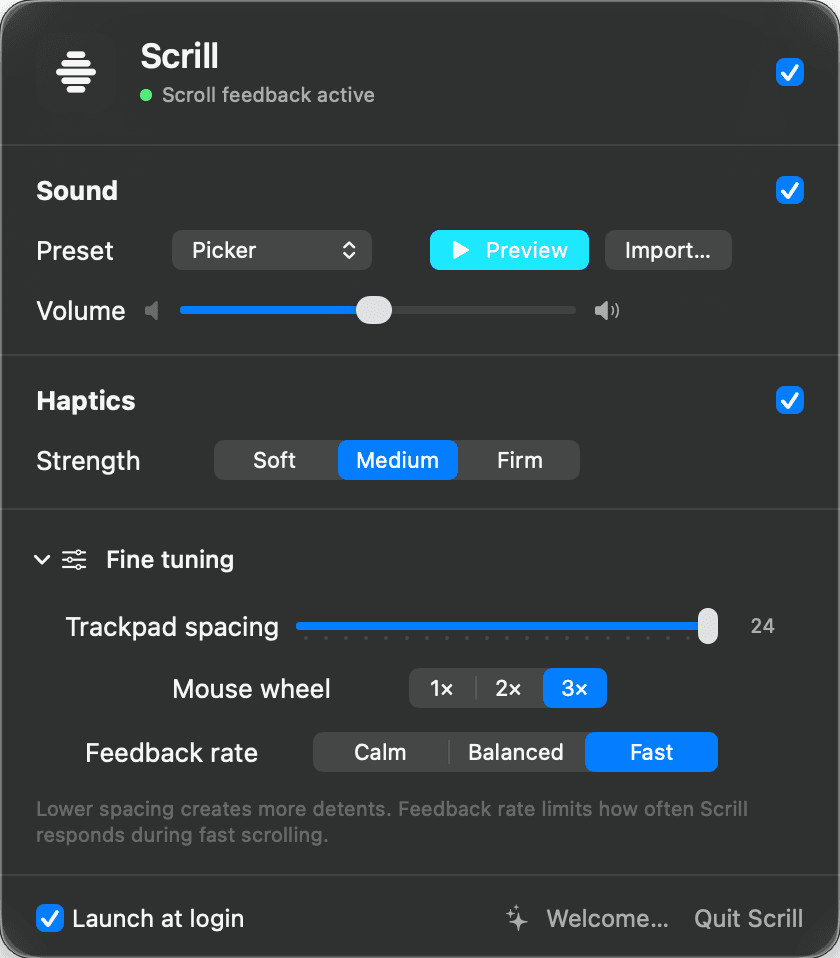
Open the panel
The whole product lives in one menu bar panel: current state, sound, haptics, tuning, launch at login, and quit.
Scrill adds a precise click and Force Touch trackpad tap to every scroll detent. It lives in the menu bar, listens passively, and never changes your scroll.
Star on GitHub
Scrill stays small: allow scroll access, pick a feel, then tune only what matters.
The whole product lives in one menu bar panel: current state, sound, haptics, tuning, launch at login, and quit.
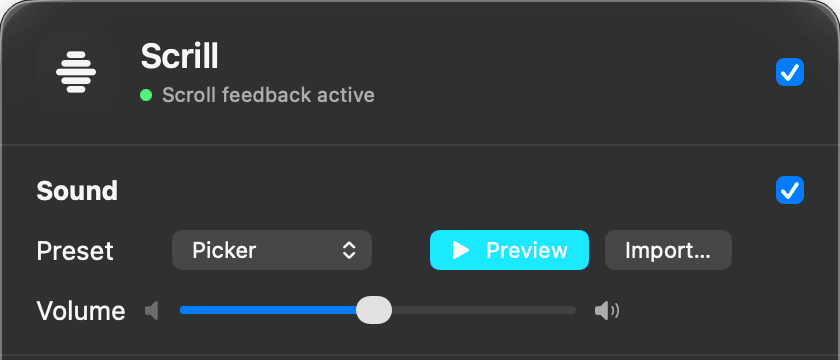
Start with the Apple picker click, switch to softer system sounds, go funny with Bonk or Boing, or import a short custom sound.
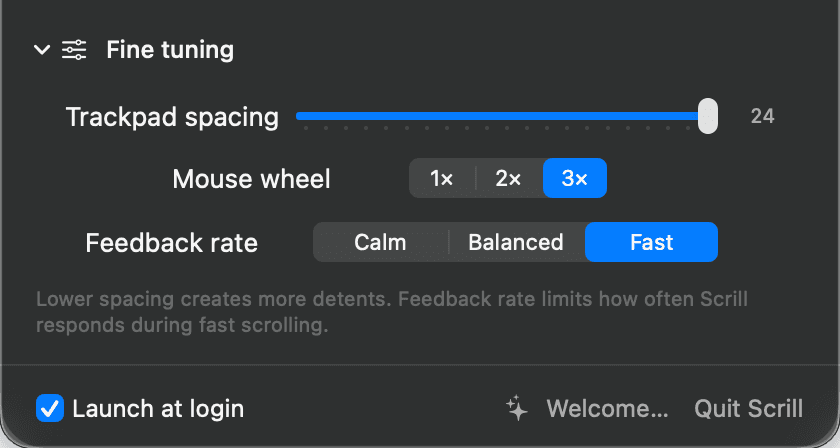
Trackpad spacing, mouse wheel multiplier, and feedback rate keep each click deliberate without changing your scroll.

Scrill keeps the controls compact and native, because this is a utility you set once and trust all day.
The panel ships with Apple-style picker sounds, offline funny presets, preview, import, and a volume slider that updates immediately.
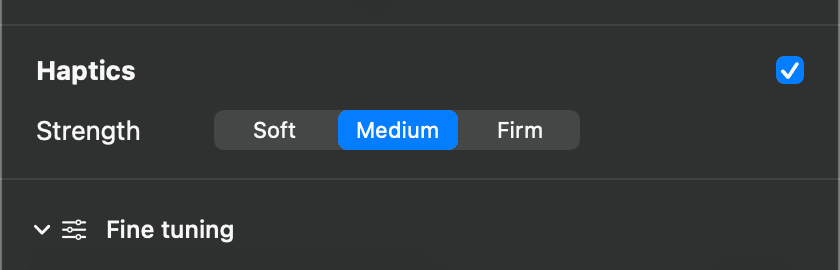
Sound and haptics are independent. On Force Touch trackpads, Scrill fires a calibrated tap on the same detent callback as the click.
Trackpad spacing, mouse wheel multiplier, and feedback rate keep the feel tight without changing scroll speed or app content.
Download the signed Mac app first. If the feedback earns a place in your menu bar, buy a license key and paste it into Scrill.
No account dashboard, no subscription pressure. Just a license key for the Mac utility.
The important boundaries before you install a scroll listener:
No. Scrill listens for scroll events and lets the original event continue to the target app unchanged.